
Sell Phone Online in Bangalore: A Simple Step-by-Step Guide for 2026
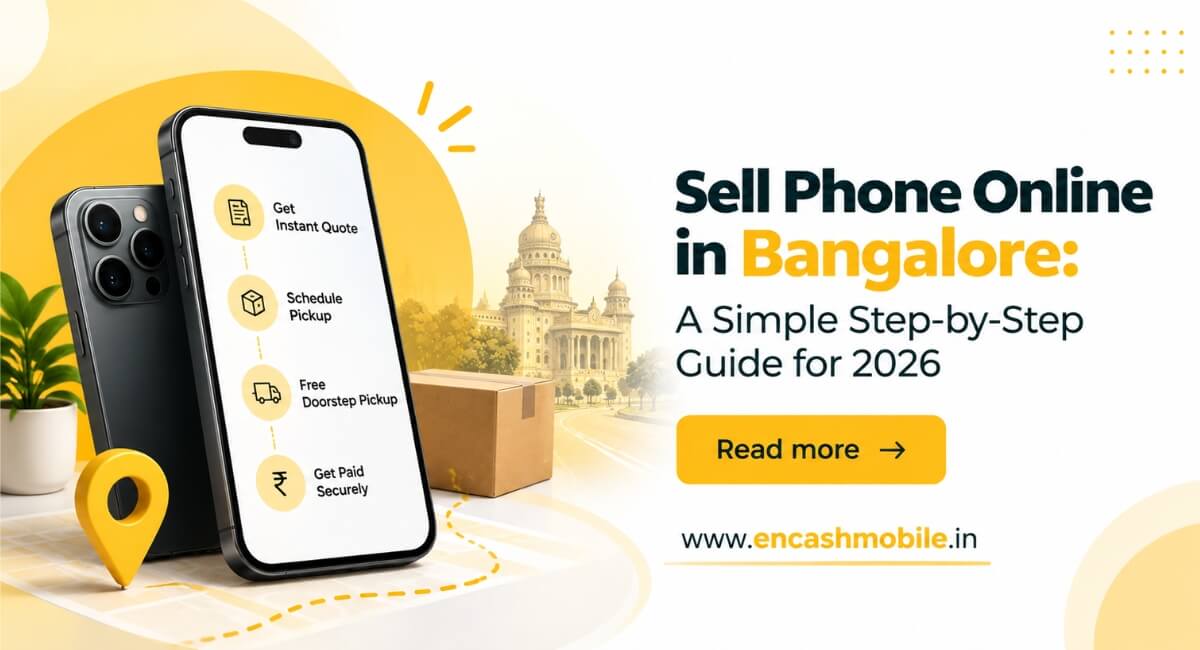
Table of content
1. Introduction
2. How Does Selling a Phone Online Work?
3. Step 1: Check Your Phone’s Details
4. Selling a OnePlus Phone Online
5. Step 2: Get a Quote
6. Step 3: Compare Offers
7. Selling an Apple iPhone Online
8. Step 4: Prepare Your Phone
9. Step 5: Arrange Pickup and Payment
10. Selling a Nokia Phone Online
11. Common Mistakes to Avoid
12. Conclusion
13. Frequently Asked Questions
Introduction
An old phone can sit in a drawer for months after you buy a new one. You may know it is worth something, but finding a buyer can feel like extra work. Online selling gives you a way to check its value from home and arrange the next steps.
If you want to sell an old mobile online, first make sure you know its exact model and condition. The price shown on a website is often an estimate until someone checks the device. A little preparation can help you avoid a lower offer at pickup. This guide explains how to get a quote, compare prices, protect your personal data and confirm payment. You can follow the steps even if you have never sold a phone before.
How Does Selling a Phone Online Work?
Quick answer: Search for your phone on a buying website, enter its details and check the estimated quote. If you accept it, arrange an inspection or pickup. The buyer checks the phone, confirms the final price and pays you when you agree to the sale.
Read the buyer’s process before sharing your address. Check whether pickup is available in your part of Bangalore, whether it is free and how you will be paid. Remember that the first quote is based on the information you provide. A buyer may change it if the phone has damage or a fault you did not mention.
Step 1: Check Your Phone’s Details
Open the settings and note your phone’s exact model and storage size. Two phones from the same series may look similar but receive different offers. Next, test the screen, cameras, speakers, microphone, buttons, charging and Wi-Fi. Look for cracks and scratches. Notice whether the battery drains quickly or a feature works only sometimes. Write down any faults or past repairs. You do not need a perfect phone to request a quote, but an honest description will make the estimate more useful.
Selling a OnePlus Phone Online
If you have a OnePlus phone, check its exact model before asking for a price. Test the display, charging port, cameras and fingerprint feature if it has one. Mention any replaced screen or battery. A buyer may inspect these parts at pickup, so giving the correct details early can help you avoid a surprise change in the offer.
Step 2: Get a Quote
Choose your phone model on a buying website and answer its condition questions carefully. You may be asked whether the screen is cracked, the phone turns on and all its features work.
If you want to sell mobile online Bangalore, note the quote you receive, but check when it becomes final. Ask whether the buyer will inspect the phone first and whether you can decline if the price changes. Keep the bill, box and charger ready if you have them. They may be useful during the sale, although they will not always increase the amount offered.
Step 3: Compare Offers
Check one or two other quotes for the same model and condition. You can also ask a nearby mobile shop for a price. This gives you a better idea of what buyers may pay. When comparing phone resale Bangalore options, look at the amount you will actually receive. Ask about pickup charges, inspection and payment. The highest price shown first may not be the highest final offer. If a quote seems unclear, ask questions before booking. You should know what happens if the buyer finds a fault and how long you have to decide whether to sell.
Selling an Apple iPhone Online
If you have an Apple iPhone, check its model and storage under Settings > General > About. Test the cameras, speakers, charging and Face ID or Touch ID if your model has it. Check the battery information available in settings and mention any repair you know about. The model, storage, battery condition and working features can all affect the offer. Before handing over an iPhone, follow Apple’s guide to preparing it for sale. It explains how to back up your files, sign out and erase the device.
Step 4: Prepare Your Phone
Back up your photos, contacts, WhatsApp data and important documents. Open the backup on your new phone or another device to make sure your files are there. Sign out of accounts linked to the old phone and reset it using the maker’s instructions. For Android devices, Google explains how to prepare for a factory reset. Do not simply delete photos one at a time while your account is still connected.
Remove your physical SIM card and memory card. If you use an eSIM, check how to transfer your number and remove the old profile. After the reset, make sure your personal information is no longer visible. You can keep your phone’s IMEI for your records. India’s Department of Telecommunications has an IMEI verification service. Do not share the number in a public sale listing.
Step 5: Arrange Pickup and Payment
Choose a pickup time that works for you. Confirm the address, whether pickup is free and the payment method before the buyer arrives. The buyer may test the phone and inspect its condition. Ask for the final price after this check. If it is lower than the online quote, ask what caused the change. You can decide whether the revised offer suits you. Confirm that the money has reached your bank account or payment app before handing over the phone. Do not rely only on a screenshot. Never share an OTP, UPI PIN or banking password to receive payment.
Selling a Nokia Phone Online
If you want to sell a Nokia phone, check its exact model and storage before requesting a quote. Test calls, the display, charging and mobile network. Even an older phone may be worth checking. Give the buyer accurate details about what works and any damage. This will help them assess your device rather than quote for a different model or condition.
Common Mistakes to Avoid
Entering the wrong model is a common mistake. So is leaving out a cracked screen or battery problem to get a higher first quote. The buyer may find the issue during inspection and reduce the price.
Do not reset the phone before checking that your backup worked. Also, do not hand it over while your accounts are signed in or before payment is confirmed. Take a few minutes to compare offers. You do not have to accept the first price you see or a revised amount you are unhappy with.
Conclusion
Ready to sell your old phone in Bangalore? Check your device’s value, describe its condition honestly and confirm the final price before handing it over. Encash Mobile lists models from OnePlus, Apple, Nokia and other brands. Contact us to get a quote, learn about available pickup options and enjoy a simple and hassle-free selling experience.
Frequently Asked Questions
Is it worth repairing my old phone before selling it?
It depends on the repair cost and how much the repair may increase the phone’s resale value. Compare both amounts before spending money on repairs.
Can I still sell my phone if the screen is cracked?
Yes, some buyers accept phones with cracked screens. Mention the damage when requesting a quote, as the phone’s condition can affect its resale value.
How do I protect my data?
Back up your files, sign out of linked accounts and follow your phone maker’s reset instructions. Remove your SIM and memory card before handover.
Is the online quote the final price?
Usually, it is an estimate. The buyer may confirm the final amount after checking the phone.
Can I sell my phone online in Bangalore without its box?
Many buyers will give you a quote without the box. Ask whether they need a bill or other proof of ownership.
Latest Posts
-
 Sell Your iPhone 16 Pro Max in Hyderabad: Get an Instant Quote & Free Pickup
-
 How to Sell Your Used iPhone 13 Pro in Hyderabad at the Best Price
-
 Sell Your iPhone 16 in Hyderabad: Check Resale Value & Get Instant Payment
-
 Where to Sell Your Old iPhone 13 in Hyderabad for the Best Price?
-
 Sell Your Used iPhone 15 Pro Max in Hyderabad: Get the Best Resale Price
-
 Selling Your Old iPhone in Bangalore? 7 Things to Check Before You Sell
-
 Can I Sell a Broken or Damaged Phone in Bangalore? Here’s What You Should Know
-
 How to Get the Best Resale Value When Selling Your Old Phone in Bangalore
-
 Sell Your Old iPhone in Hyderabad: How to Get the Best Resale Value
-
 Can You Sell a Broken Phone in Hyderabad? A Complete Guide for 2026