
Selling Your Old iPhone in Bangalore? 7 Things to Check Before You Sell
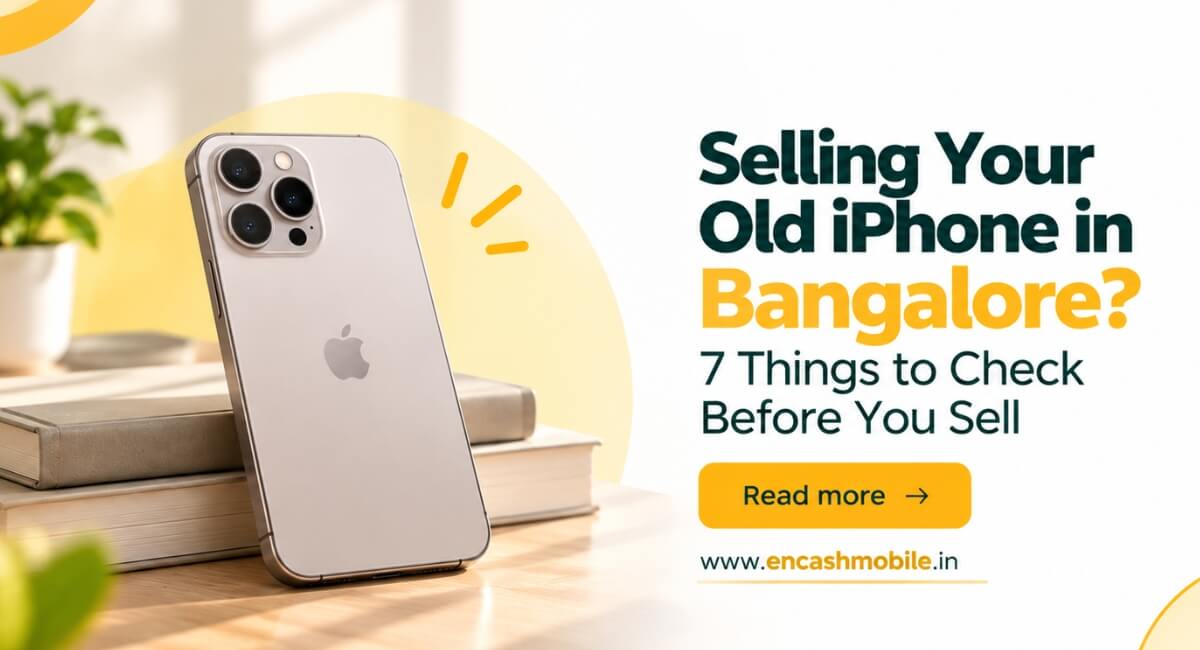
Table of content
1. Introduction
2. Check 1: Confirm Your iPhone Model and Storage
3. Check 2: Look Closely at the Screen and Body
4. Check 3: Test the Features a Buyer Will Check
5. Check 4: Know Your Battery Health and Repair History
6. Check 5: Compare Offers for the Same Condition
7. Check 6: Back Up Your Data and Erase the iPhone
8. Check 7: Confirm the Final Price and Payment
9. Conclusion
10.Frequently Asked Questions
Introduction
That old iPhone in your drawer may still be worth money. But how much should you expect for it? Two buyers in Bangalore may offer different amounts for the same phone, and an online quote may change after inspection. If you want to sell your old iPhone in Bangalore, a few simple checks can help you understand the offer before you agree to it.
You do not need technical knowledge. Find your exact model, test the features you use every day, check the battery and mention any repairs. Then compare offers and prepare your personal data for removal. These seven checks will help you avoid last-minute surprises and make the sale much simpler.
Check 1: Confirm Your iPhone Model and Storage
Start with Settings > General > About. Note your model name and storage capacity. An iPhone 13 with 128 GB of storage should be listed as that exact version, rather than simply as an “iPhone 13”. A different model or storage size may receive a different offer.
Find your iPhone on Encash Mobile’s website and select the model that matches your device. Do this before answering questions about its condition. Keep your purchase bill nearby if you have it. It may help confirm the model and show that the phone belongs to you. You can also note the serial number for your records, but avoid putting it in a public sale listing. Getting these details right makes it easier to compare quotes.
Check 2: Look Closely at the Screen and Body
Take off the case and look at your iPhone in good light. Check the front glass, back glass, camera lenses and frame. A case can hide a crack or a deep mark that a buyer will notice during inspection.
Turn on the display and look for dark patches or coloured lines. Try typing across the whole keyboard to check whether the screen responds in different areas. If your screen protector is cracked, check whether the glass underneath is damaged too. Describe what you find clearly. A small scratch is different from a cracked screen. If you describe the phone as being in perfect condition when it has visible damage, the buyer may lower the offer later. Accurate details give you a more useful starting price.
Check 3: Test the Features a Buyer Will Check
Make a short call and check whether you can hear the other person clearly. Ask whether they can hear you too. Test the front and back cameras, record a short video, play sound through the speakers and connect a charger.
Check Wi-Fi, the mobile network, buttons and Face ID or Touch ID if your model has it. If a feature works only sometimes, mention it. For example, tell the buyer if the phone charges only when you hold the cable at a certain angle. When you sell an iPhone online, the first quote is often based on your answers before anyone sees the device. Spending ten minutes on these tests can help you avoid an unexpected price change at pickup.
Check 4: Know Your Battery Health and Repair History
An iPhone that loses charge quickly may receive a different offer from one whose battery lasts well. Open the Battery section in Settings to check your battery health information. The menu can vary by model and software version. Apple’s battery guide explains what you can check.
Think about any repairs made to the phone. Have you replaced its battery, screen or camera? If so, tell the buyer what was changed. On supported models, the Parts and Service History section in Settings may also show repair information. Apple explains how to check this history. A past repair does not automatically stop you from selling your phone. The buyer simply needs to know about it when assessing the device. Before paying for another repair, compare the cost with any likely increase in the resale offer.
Check 5: Compare Offers for the Same Condition
Get two or three quotes using the same model, storage size and condition details each time. You could check online buyers and ask a nearby mobile shop. The comparison will only be useful if you describe the phone honestly to every buyer.
For iPhone resale in Bangalore, ask what happens after inspection. Can the quoted amount change? Is pickup free? Can you decline the sale if you do not accept the final offer? Clear answers matter as much as the first price you see. You can read how Encash Mobile’s quote and pickup process works before booking. Knowing when the phone will be inspected and when you will be paid helps you decide whether the service suits you.
Check 6: Back Up Your Data and Erase the iPhone
Save everything you need before resetting the phone. Back up your photos, contacts, messages and important files. Check that you can access them on your new device or through your account. If you use WhatsApp, check that its backup is complete too.
Before handing over the iPhone, unpair your Apple Watch if you have one, sign out of your Apple Account and erase the device. Remove your physical SIM card. If you use an eSIM, arrange to transfer your number and remove the old profile. Apple’s guide to preparing an iPhone for sale explains the steps. After the reset, check that your photos and accounts are no longer visible. If you cannot complete a step, sort it out before giving the phone to the buyer. Never share your Apple Account password with a buyer.
Check 7: Confirm the Final Price and Payment
At inspection, ask the buyer to confirm the final price before you agree to sell. If it is lower than the online quote, ask what caused the change. You can then decide whether you still want to accept it.
Check the payment in your own bank account or payment app before handing over the iPhone. Do not rely only on a payment screenshot. You never need to share an OTP, UPI PIN or banking password to receive money. If you plan to sell a used iPhone in Bangalore, ask for a receipt or sale record if one is available. Keep a record of the agreed amount and sale date. These small checks can make the handover smoother.
Conclusion
Ready to sell your old iPhone in Bangalore? Check its condition, mention any faults and compare offers before choosing a buyer. At Encash Mobile, you can request a quote online and arrange free doorstep pickup in Bangalore. We will check your iPhone and confirm the final price before you decide to sell. If you have any questions about your model, pickup or payment, Contact us.
Frequently Asked Questions
When should I erase my iPhone?
Back up and check your data first. Then follow Apple’s instructions to sign out and erase the iPhone before handing it over.
Should I replace a weak battery before selling?
First, get a quote for the phone as it is. Then compare the possible increase in price with the cost of replacing the battery.
Will the original box and bill increase the price?
They may be useful, but they will not always increase the offer. Ask the buyer whether the box, bill or accessories affect the price.
Is an online iPhone quote the final price?
It may be an estimate based on the details you enter. The buyer can confirm or revise it after checking the phone. Ask when the price becomes final before booking.
Where can I sell my old iPhone in Bangalore?
You can approach a local mobile shop, an online phone buyer or a direct buyer. Compare the final offer, inspection process and payment method before choosing.
Latest Posts
-
 Sell Your iPhone 16 Pro Max in Hyderabad: Get an Instant Quote & Free Pickup
-
 How to Sell Your Used iPhone 13 Pro in Hyderabad at the Best Price
-
 Sell Your iPhone 16 in Hyderabad: Check Resale Value & Get Instant Payment
-
 Where to Sell Your Old iPhone 13 in Hyderabad for the Best Price?
-
 Sell Your Used iPhone 15 Pro Max in Hyderabad: Get the Best Resale Price
-
 Can I Sell a Broken or Damaged Phone in Bangalore? Here’s What You Should Know
-
 How to Get the Best Resale Value When Selling Your Old Phone in Bangalore
-
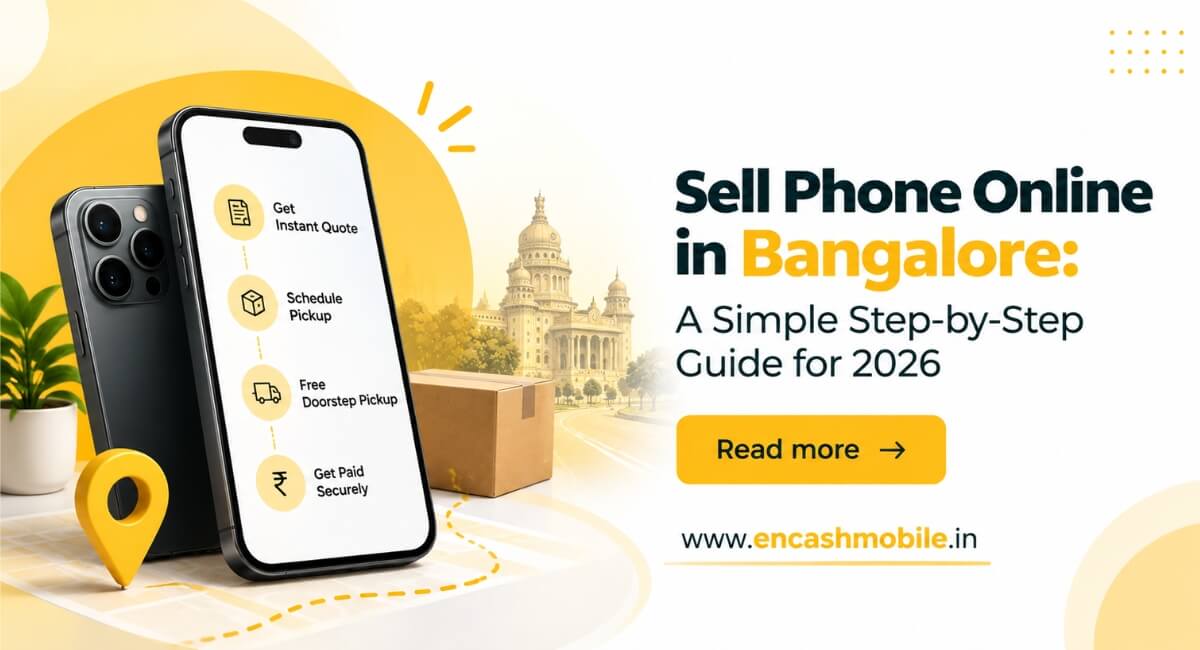 Sell Phone Online in Bangalore: A Simple Step-by-Step Guide for 2026
-
 Sell Your Old iPhone in Hyderabad: How to Get the Best Resale Value
-
 Can You Sell a Broken Phone in Hyderabad? A Complete Guide for 2026